Open Source and Free Website Building Tool Based on Notion Notes

Build Your Website Effortlessly and Amplify Your Value with Notion Notes

company web sit- EN
Features

Key Features of NotionNext

NotionNext aims to help you build your website easily and seamlessly, amplifying your brand value.

Free and Open Source

The projects source code is fully open and shared on GitHub, following the MIT License.

Learn More

Multiple Theme Customizations

Dozens of themes available, suitable for different scenarios. There is always one for you.

Learn More

Excellent Performance

Developed based on NextJS for faster response times and better SEO.

Learn More

Convenient Writing Experience

Just edit in Notion notes, and it will automatically sync to your website.

Learn More

A Lightweight and Practical Website Building Solution

NotionNext aims to help non-technical beginners to build their websites at the lowest cost and fastest speed, efficiently conveying their products and stories to the world.

Powerful Notion notes, simple and fast Vercel hosting platform, together form a simple website.

Learn More
about image
about image
7000+Blog SitesCurrently Online
Pricing

Great Pricing Plans

We offer flexible payment plans for your needs. (NotionNext is open source and free, demonstrated product subscription payment functionality only, please do not place orders!)

Starter Plan

$19.9per month

Features

All Themes

Free Updates

Help Manual

Buy Now

Recommended

Basic Plan

$39.9per month

Features

Includes Starter Plan

Project Source Code

Internal Community

Technical Consultation

SEO Optimization

Buy Now
Premium Plan

$59.9per month

Features

Includes Basic Plan

Custom Development

Buy Now
User Feedback

What Our Users Say

Thousands of webmasters choose to build their websites with NotionNext, and with the help of documentation, community exchanges, and technical consultations, everyone has successfully launched their own websites.

Frequently Asked Questions

Have any questions? Please check here

We have collected some common user queries

Does NotionNext have documentation?

You can add or modify pages of type "Post" directly in Notion. The content will be synchronized in real time on the site. For details, refer to the

How do I write articles after deployment?

You can add or modify pages of type "Post" directly in Notion. The content will be synchronized in real time on the site. For details, refer to the

Deployment of the site failed, how to resolve?

Usually caused by misconfiguration, please check the configuration or retry the steps, or find error logs in the Deployments section of Vercel dashboard and seek help from the community.

Articles are not syncing in real time?

First, check if the Notion_Page_ID is correctly configured. Secondly, due to independent caching of each page of the blog, simply refresh the page to resolve.

Our Team

Our Development Team

NotionNext is collaboratively developed by numerous open-source technology enthusiasts. Thanks to every

Our Blog

Latest News

Here we will publish some latest news about NotionNext, including new developments, future plans, and features of new functions

Introduction

Introduction

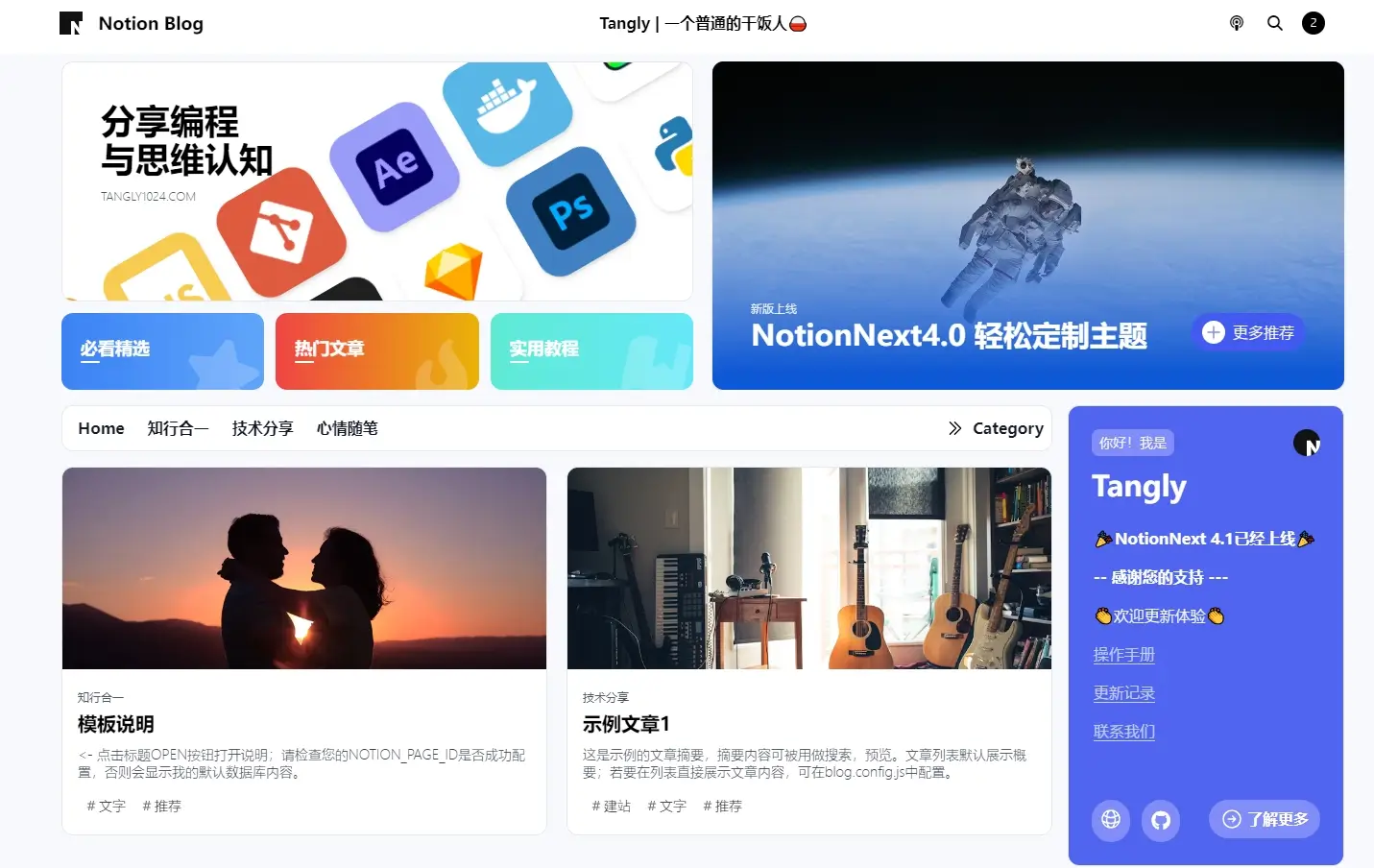
<- Click the title OPEN button for instructions; please check if your NOTION_PAGE_ID is configured successfully, otherwise it will display my default database content.

Locked article - Password: 123456

Locked article - Password: 123456

This article requires a password to access. Password: 123456

EMPTY-ARTICLE

EMPTY-ARTICLE

For list display only, article has no content.

Contact Us

Tell us about any problems you encounter

Our Location

Fujian, China

How can we help you?

mail@tangly1024.com